How to Find and Fix Duplicate Title Tags (Step-by-Step)
Duplicate title tags confuse Google and split your ranking. Learn how to find and fix them on WordPress, Wix, Squarespace, Webflow, Shopify and custom sites.

On this page
If ScoutRival’s SEO Score flagged “Make every title unique,” it found two or more of your pages sharing the exact same title tag. It’s a common, quietly damaging issue — and because you’re just rewriting a handful of lines, it’s usually a 15-minute fix. This guide shows you how to find every duplicate and give each page a title of its own on any platform.
What are duplicate title tags?
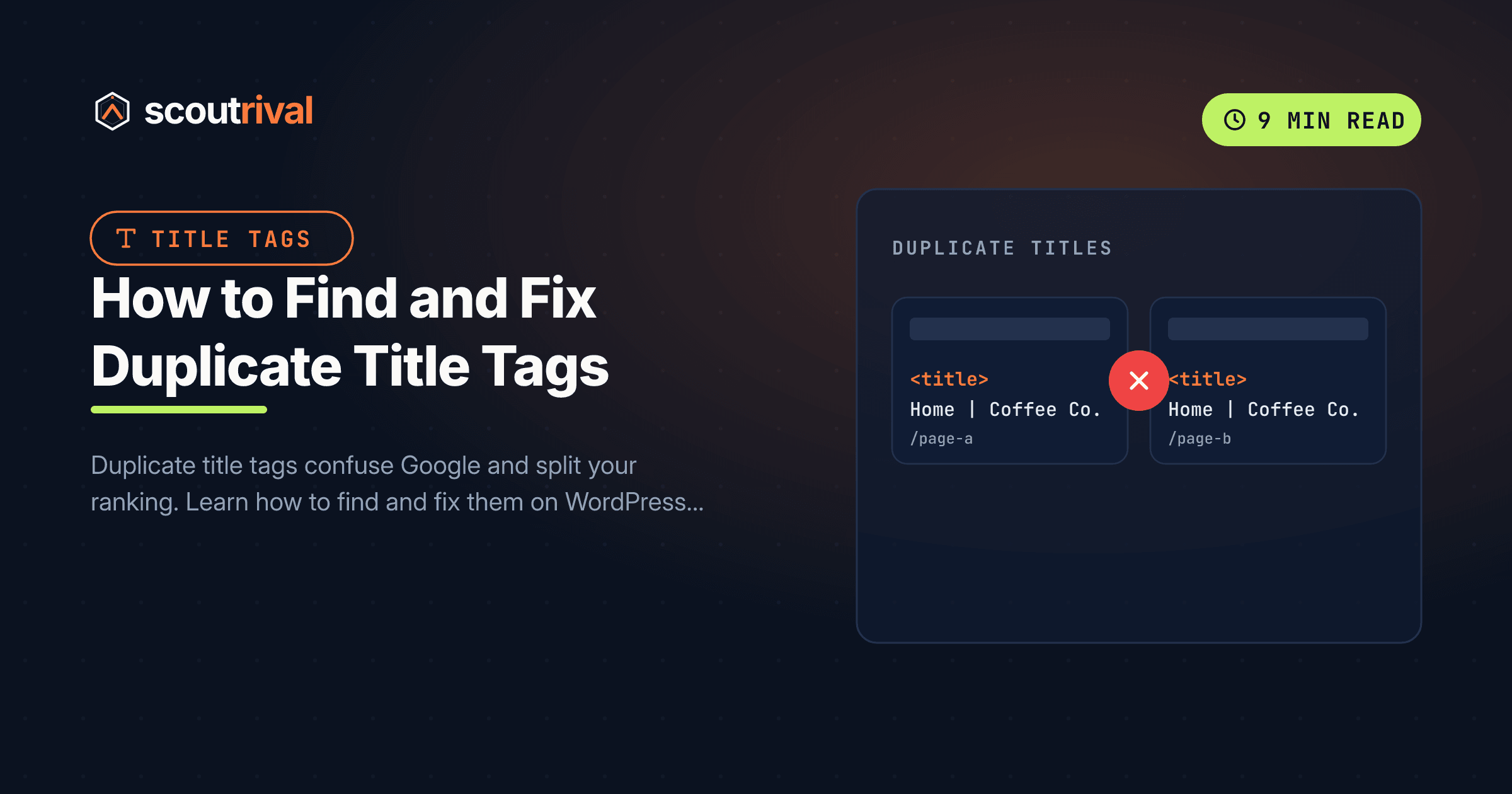
A duplicate title tag happens when the same <title> text appears on more than one page of your site. Instead of each page having its own headline in search results, several pages all show the identical clickable line — so Google can’t tell them apart at a glance.
Picture a filing cabinet where five different folders are all labelled “Documents.” When you need one specific file, the labels are useless — you have to open every folder to find it. Google faces the same problem: when several of your pages carry the same title, it has to guess which one best answers a search, and it may pick the wrong one, rank a weaker page, or show one page while suppressing the others.
Duplicates almost never happen on purpose. The usual culprits are:
- Templated pages — product, category, or location pages generated from one template that forgot to insert a page-specific detail.
- Similar products or variants — “Blue T-Shirt” and “Red T-Shirt” both saved as “T-Shirt.”
- A missing title falling back to your site name — if a page has no custom title, some platforms use your homepage title or site name, so several bare pages end up identical.
- Pagination — “Blog,” “Blog,” “Blog” across pages 1, 2 and 3 of an archive.
Why duplicate titles hurt your SEO
A duplicate title isn’t a penalty, but it quietly undercuts your rankings in three ways.
- It splits your ranking signals. When two pages compete for the same title, the authority and relevance that should concentrate on one page gets divided between them — so neither ranks as well as a single, focused page would.
- It confuses Google’s choice. Faced with identical titles, Google may rank the page you didn’t want to surface for a query, or bounce between them, making your rankings unstable.
- It costs clicks. Even when your page shows up, an identical title gives searchers no way to tell which result fits their need, and it looks careless — like a site that wasn’t paid much attention.
ScoutRival’s SEO Score checks titles across your whole site (not just page by page) and flags any that repeat, listing the pages that share each title. Because this is a site-wide On-Page issue, resolving it strengthens the clarity of your entire site in one pass.
How to check if you have this problem
You don’t need to inspect every page by hand — these tools surface duplicates for you.
- Google Search Console. There’s no single “duplicate titles” report, but you can spot patterns by searching
site:yoursite.comin Google and scanning the results for repeated titles, or by reviewing your pages in the Pages report. - A free crawler. Tools like Screaming Frog SEO Spider (free up to 500 URLs) crawl your site and have a Page Titles → Duplicate filter that lists every repeated title instantly.
- A manual spot-check. Open a few similar pages (say, three product pages) in browser tabs and compare the tab labels. Identical labels mean identical titles.
- Run your ScoutRival SEO audit. It’s the fastest route — it groups the pages that share a title so you can see exactly which ones to rename and what they currently say.
How to fix it — step by step
The fix is the same principle everywhere: open each duplicated page’s SEO title field and rewrite it so it’s distinct and specific. Add the detail that makes that page different — the product variant, category, city, or page number. Here’s where the title field lives on each platform.
WordPress
- Edit each affected page or post and open your SEO plugin’s box (Yoast SEO or Rank Math).
- Rewrite the SEO title so it’s unique to that page.
- To stop duplicates recurring at scale, check your plugin’s title templates (Yoast: SEO → Search Appearance, or Rank Math: Titles & Meta). Use dynamic variables like
%%title%%and%%category%%so every generated title inherits a page-specific value instead of a fixed string. - Update each page.
Wix
- Go to Pages & Menu → hover a page → ⋯ → SEO Basics (or your dashboard → SEO tools).
- Edit the “What’s the title?” field so each page’s title is distinct.
- For collections of similar items (store products, blog posts), open SEO tools → SEO Settings → each page type and set a title pattern using variables (like the product name) so titles are generated uniquely.
- Publish your site.
Squarespace
- Open Pages, hover a page, and click the gear icon (⚙) → SEO tab.
- Give each page a distinct “SEO Title.” Watch for pages left blank, which fall back to the same site-name default.
- For product and blog collections, check the SEO title format under the collection’s settings and include the item’s name so each generated title differs.
- Save each page.
Webflow
- In the Designer, open Page Settings (the gear icon ⚙ beside each page) and rewrite the Title Tag so it’s unique.
- For Collection (CMS) pages — where one template creates many pages — open the collection template’s Page Settings and build the title from a field (like the item’s Name), not fixed text, so every item gets its own title.
- Save, then Publish to your live domain.
Shopify
- Open each duplicated product, collection, or page and go to Search engine listing → Edit website SEO.
- Give the Page title a unique value — for variants, add the distinguishing detail (colour, size, model).
- If a theme or app is generating repetitive titles, check its SEO / title template settings so titles pull in the product or collection name dynamically.
- Save each item.
Any other website (custom or unlisted CMS)
- Open your page templates and find where the
<title>tag is generated. - Make sure the title is built from a page-specific variable (the post title, product name, or category), not a single hard-coded string reused across pages.
- For paginated or filtered pages, append a differentiator to the title — for example, add ”– Page 2” or the active category — so no two generated URLs share a title.
- Redeploy and re-check a sample of pages to confirm each now outputs its own title.
How to confirm it’s fixed
- Re-crawl or spot-check. Run your crawler again (or re-open the previously-duplicated pages) and confirm each tab label is now distinct.
- Search
site:yoursite.comon Google after it re-crawls (a few days) and scan for any remaining repeats. - Re-run your ScoutRival SEO audit. The “Make every title unique” item should now pass, and your On-Page pillar score should improve.
Common mistakes to avoid
- Making titles unique but nearly identical. “Blue Widget for Sale” and “Blue Widget for Sale Online” technically differ but still compete. Make each title genuinely reflect that page’s distinct content.
- Adding a page number but nothing else. “Blog – Page 2” is fine for pagination, but ordinary content pages deserve a real, descriptive title, not just a suffix.
- Fixing titles while ignoring the template. If duplicates came from a template, editing pages one by one is a losing battle — fix the title formula so new pages are unique automatically.
- Leaving titles blank. An empty title field usually falls back to a shared default, recreating the duplicate. If you don’t want to hand-write one, use a dynamic pattern — never nothing. New to this? See our guide on how to add a title tag to your web pages.
- Forgetting canonical tags for true duplicate pages. If two URLs are genuinely the same content (not just the same title), a duplicate title is a symptom — you may also need a canonical tag to point Google at the preferred version.
The bottom line
Duplicate title tags quietly split your rankings and make your search listings look careless. Giving every page a distinct, descriptive title — and fixing the templates that generate them so duplicates don’t creep back — sharpens how Google understands your whole site and how confidently searchers click your results.
Not sure which of your pages share a title? Run a free SEO Score with ScoutRival — it groups every duplicated title by page so you can fix them in one focused session. Wondering how long each new title should be? See our guide on SEO title tag length.
Frequently asked questions
What are duplicate title tags?
Are duplicate title tags bad for SEO?
How do I find duplicate title tags on my site?
How do I fix duplicate titles on templated or product pages?
What causes duplicate title tags?
Do I need canonical tags to fix duplicate titles?
How is a duplicate title different from a missing title?
Nasir Uddin is an SEO consultant and ScoutRival's SEO & Growth Lead. He's spent years helping small businesses climb the search results — and now the AI answers too — and writes about SEO, AI-search visibility, and turning organic traffic into real growth.
Keep reading
All SEO →


Stop reading about it. Ship it this week.
ScoutRival turns competitor intel into ready-to-post content and graphics — for a fraction of an agency.