LocalBusiness Schema & sameAs: The AI Trust Signal
LocalBusiness schema hands AI a machine-readable fact sheet about your business, and the sameAs array ties your scattered profiles into one entity. Here's how to add both.

On this page
If ScoutRival’s Site Audit flagged “Organization/LocalBusiness schema, complete + sameAs,” it means your site either has no structured data, has an incomplete version, or is missing the sameAs links that connect your website to your other profiles. Schema is the closest thing to speaking to an AI in its own language: instead of hoping the model correctly guesses your name, category and city from your prose, you hand it a labeled fact sheet. This guide shows you how to add complete LocalBusiness schema on WordPress and every other platform — and why the sameAs array is the part worth getting right.
What schema markup actually does for AI
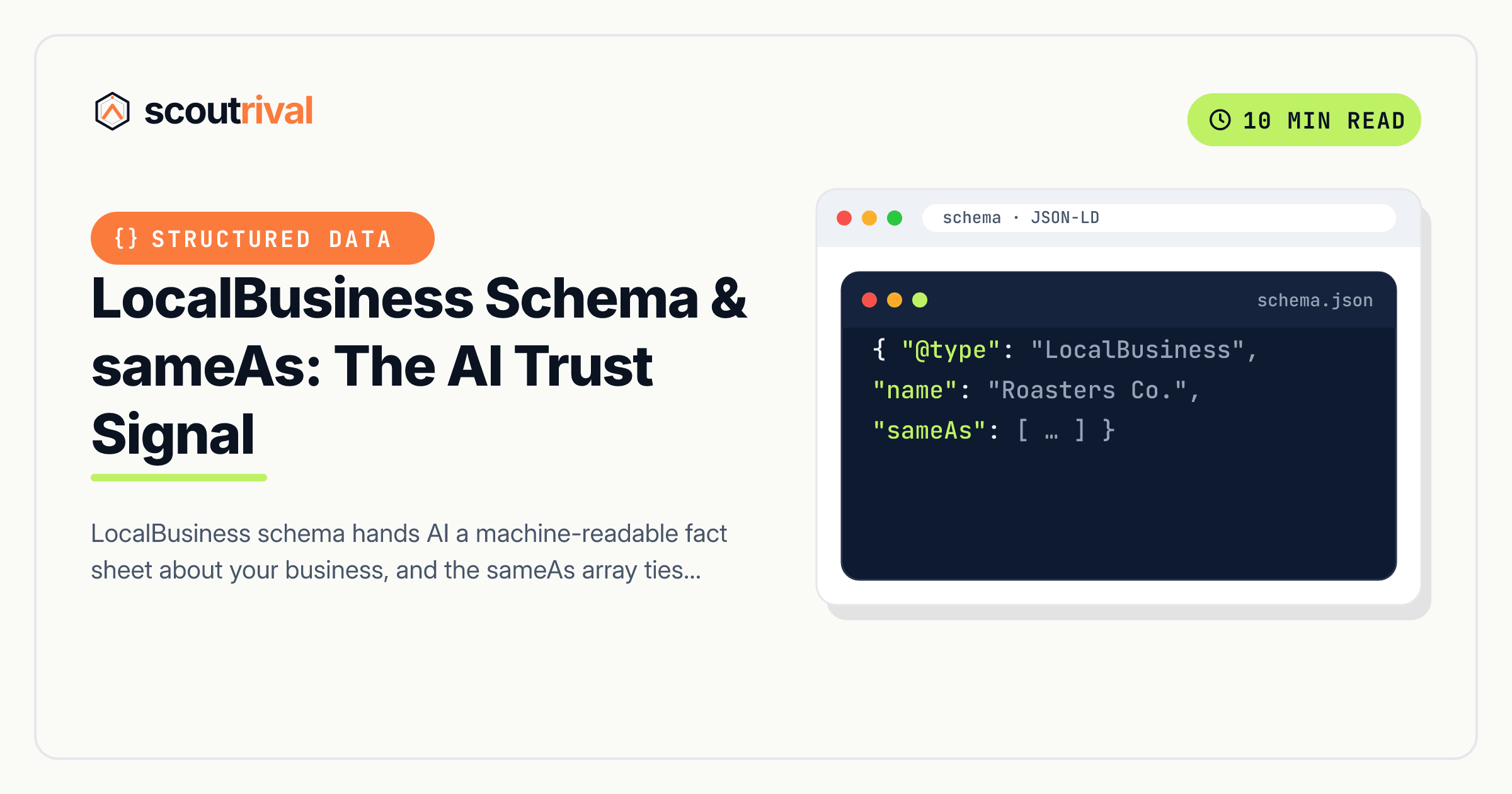
Schema markup (specifically JSON-LD, the format Google and everyone else recommends) is a small block of structured data in your page’s <head>. It states facts in a form machines don’t have to interpret:
{
  "@context": "https://schema.org",
  "@type": "Dentist",
  "name": "Riverside Family Dental",
  "url": "https://riversidefamilydental.com",
  "telephone": "+1-512-555-0142",
  "address": {
    "@type": "PostalAddress",
    "streetAddress": "410 Oak St, Suite 2",
    "addressLocality": "Austin",
    "addressRegion": "TX",
    "postalCode": "78701"
  },
  "sameAs": [
    "https://www.facebook.com/riversidefamilydental",
    "https://www.instagram.com/riversidefamilydental",
    "https://www.yelp.com/biz/riverside-family-dental-austin"
  ]
}
Where a human reads your homepage copy and infers who you are, an AI can read this and know — no inference required. Microsoft has confirmed that structured data helps Copilot’s underlying models understand page content, and analyses of AI-cited pages consistently find the majority carry structured data. We’re careful here: that’s a correlation (well-run sites tend to have both good schema and good citations), not proof that schema alone causes a fixed lift. You’ll see “2.5×” and “+40%” figures floating around — there’s no clean primary source for them, so we don’t repeat them. What’s true is simpler: schema is a low-cost, unambiguous trust signal, and the pages that earn AI citations overwhelmingly have it.
Why the specific subtype matters
Schema.org has a generic Organization type and a LocalBusiness type with more than 80 subtypes — Dentist, MedicalBusiness, DaySpa, HealthClub, Plumber, RoofingContractor, LegalService, AutoRepair, and so on. Google’s own documentation tells you to use the most specific subtype that applies.
Why? Because “Organization” tells a model you’re a company; “Dentist” tells it your category, which is exactly the classification an engine needs before it can answer “best dentist in Austin.” The subtype also unlocks the local-specific properties — openingHours, priceRange, geo coordinates, areaServed — that matter for local answers. If your exact business type isn’t in the list, use the closest LocalBusiness subtype and fill it out fully.
The sameAs array: the biggest single lever
If you do one thing from this guide, do this. The sameAs property is an array of URLs that say “these profiles are also me.” It’s how you tell an engine that your website, your Google Business Profile, your Facebook page, your Instagram, your LinkedIn and your Yelp listing all refer to one entity rather than six loosely-related things.
This is the mechanism behind entity resolution — the model consolidating every scattered mention of your business into a single, confident understanding of who you are. A complete sameAs array is the cheapest way to strengthen it. Aim for at least two URLs, ideally four to six, and use your real, canonical profile URLs:
- Your Google Business Profile (the maps/knowledge-panel URL)
- Facebook, Instagram, LinkedIn business pages
- Yelp and any authoritative industry directory you’re claimed on (Healthgrades, Avvo, Angi, etc.)
Every URL should be one you actually control and that matches your site’s identity. This ties directly into keeping one consistent brand name everywhere and NAP consistency across listings — the schema, the listings and the site all have to agree, or you weaken the very entity you’re trying to build.
How to add LocalBusiness schema
WordPress — Rank Math (best for local)
Rank Math’s free Local SEO module is the most direct path:
- In WordPress admin, go to Rank Math → Dashboard and enable the Local SEO module.
- Go to Rank Math → Titles & Meta → Local SEO.
- Set Person or Company to Company, enter your exact business name, and upload your logo.
- Add your address, phone, opening hours and geo coordinates, then choose your specific business type from the dropdown.
- Add every real profile URL to the social / sameAs fields — Google Business Profile, Facebook, Instagram, LinkedIn, Yelp.
- Save. Rank Math outputs valid LocalBusiness JSON-LD automatically.
WordPress — Yoast SEO
Yoast handles Organization-level schema out of the box, with local fields via its add-on:
- Go to Yoast SEO → Settings → Site representation and set the site to represent an Organization, with the exact name and logo.
- Under Site connections / Other profiles, add your social and profile URLs — these feed the
sameAsoutput. - For full LocalBusiness fields (address, hours, geo, business type), install the Yoast Local SEO add-on and complete its location settings.
Paste your own JSON-LD (WPCode)
If you’d rather not run a schema engine, ScoutRival can generate the complete JSON-LD for you (Actions → schema). Paste it into your site’s <head> using the free WPCode plugin (Code Snippets → Header & Footer → Header). One important rule: don’t run two schema generators at once — a Yoast/Rank Math block and a pasted block create duplicate, conflicting markup that validators flag.
Wix
Wix generates basic business schema from your site info. For full control, use Settings → Business Info to complete your name, address, phone and hours, then add a custom JSON-LD block via Settings → Custom Code → Add Custom Code (place it in the <head> on all pages). Include your sameAs URLs there.
Squarespace
Squarespace outputs some schema automatically. For complete LocalBusiness markup with sameAs, add a Code Injection block (Settings → Advanced → Code Injection → Header) containing your hand-built or ScoutRival-generated JSON-LD.
Webflow
Add your JSON-LD in Project Settings → Custom Code → Head Code (site-wide) or on a specific page’s custom code settings. Webflow doesn’t generate LocalBusiness schema for you, so you’ll paste the full block yourself.
Shopify
Many themes include Organization schema. For LocalBusiness with sameAs, edit your theme’s theme.liquid to add a JSON-LD block in the <head>, or use a schema app. Keep it to a single source to avoid duplicates.
Custom / other platforms
Hand-build the LocalBusiness JSON-LD with name, url, logo, image, address, telephone, openingHours, geo and the sameAs[] array, and place it in the <head> of every page (or at least the homepage, about and contact pages).
How to confirm it’s fixed
- Run the page through Google’s Rich Results Test at
search.google.com/test/rich-results— it should detect your LocalBusiness type with no errors. - Run it through the Schema Markup Validator at
validator.schema.org— this checks raw syntax and confirms yoursameAsarray is present and well-formed. - Open View Source and confirm there’s exactly one LocalBusiness JSON-LD block, not two.
- Re-run your ScoutRival Site Audit — the schema completeness check should go green once your name, address, phone, business type, logo and
sameAslinks are all present.
Common mistakes to avoid
- Running two schema plugins at once. Yoast, Rank Math, a theme, and a pasted snippet can each emit their own block — validators flag the duplicates and models get conflicting facts. Pick one source.
- Using generic Organization when a LocalBusiness subtype exists. “Organization” doesn’t tell an engine your category. Use “Dentist,” “Plumber,” “MedSpa,” etc.
- An empty or one-item
sameAs. This is the highest-leverage field — a single link barely helps. Add every real profile you own. - Listing profiles you don’t control in
sameAs. Only include your official, canonical URLs. A wrong or dead link weakens the signal instead of strengthening it. - Schema that disagrees with your visible page. If your JSON-LD says “Smith Roofing & Exteriors LLC” but your homepage says “Smith Roofing,” you’re splitting your own entity. Keep the schema
name, your visible name, and your listings identical. - Faking hours, address or reviews in schema. Structured data has to match reality. Inventing an
aggregateRatingor a fake address is a policy violation and erodes trust — the opposite of the goal.
The bottom line
LocalBusiness schema is you telling an AI exactly who you are, in a format it doesn’t have to interpret — and the sameAs array is you proving that all your scattered profiles are one real, consolidated entity. Choose the specific subtype, fill in every field honestly, list all your real profile URLs, run it through both validators, and make sure nothing contradicts what’s on the visible page. It’s free, it takes an afternoon, and it’s one of the clearest trust signals you can send.
Want to see whether your schema is complete — and get the exact JSON-LD generated for you? Run a free Site Audit with ScoutRival and get a prioritized, plain-English fix list for your whole site.
Frequently asked questions
What is LocalBusiness schema and why does AI care about it?
What is the sameAs property and why is it the most important part?
Should I use Organization or LocalBusiness schema?
Does schema markup guarantee I'll get cited by AI?
How do I check my schema is correct?
Can I have too much schema or duplicate schema?
Nasir Uddin is an SEO consultant and ScoutRival's SEO & Growth Lead. He's spent years helping small businesses climb the search results — and now the AI answers too — and writes about SEO, AI-search visibility, and turning organic traffic into real growth.
Keep reading
All AI & Content →
Stop reading about it. Ship it this week.
ScoutRival turns competitor intel into ready-to-post content and graphics — for a fraction of an agency.