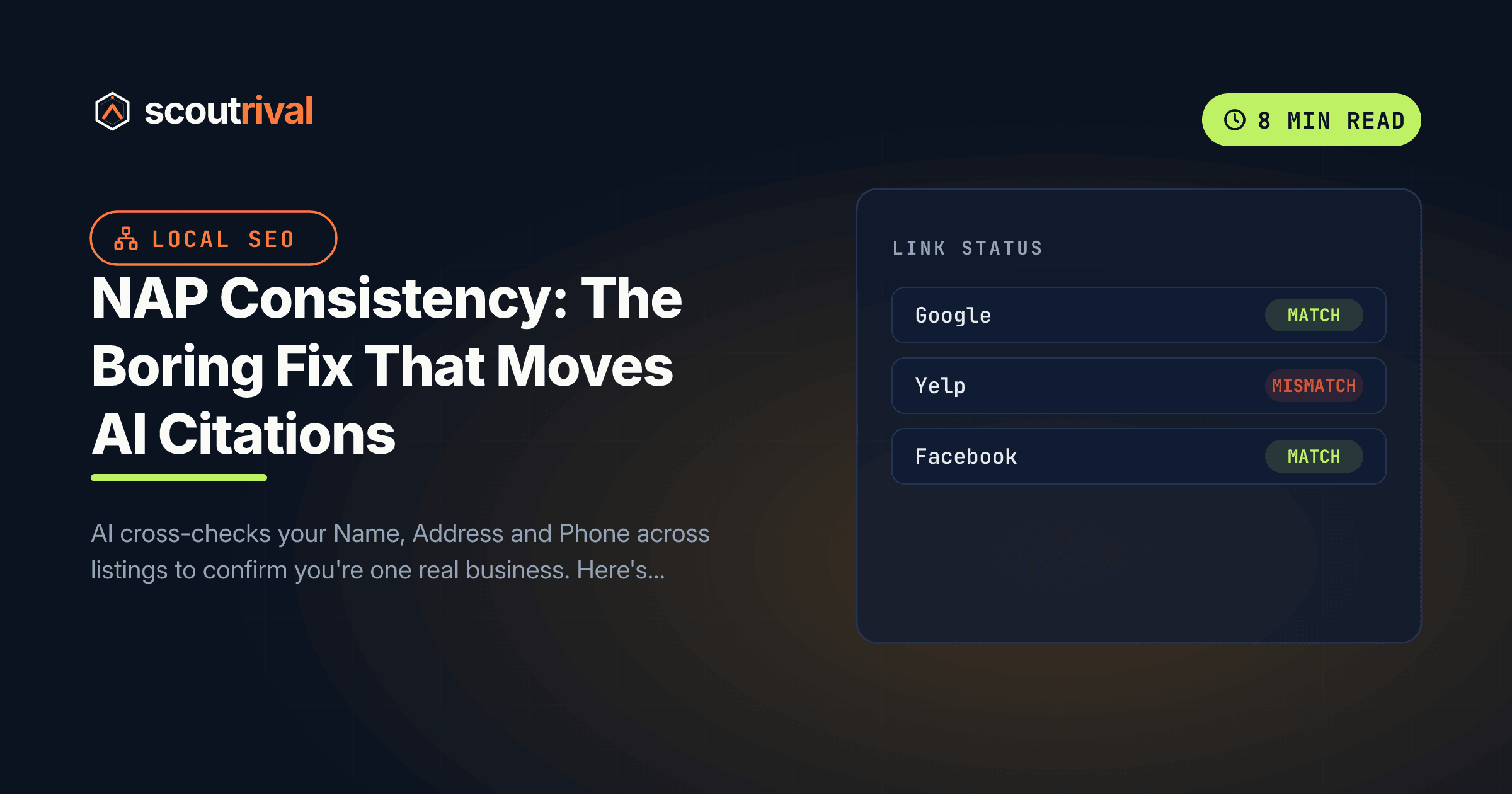
NAP Consistency: The Boring Fix That Moves AI Citations
AI cross-checks your Name, Address and Phone across listings to confirm you're one real business. Here's how to standardise your NAP everywhere — and why disagreeing data gets you excluded.

On this page
If ScoutRival’s Site Audit flagged “NAP consistency,” it found your Name, Address or Phone number differs across your website, your schema and your listings. It’s the least glamorous fix in the whole audit — no clever content, no new platform — but it’s one of the most reliable ways to make AI trust that your scattered profiles all describe one real business. This guide shows you how to standardise it everywhere, in plain steps, on any platform.
Why NAP consistency matters for AI
Before an AI engine recommends a local business, it has to resolve a messy question: are all these listings — the website, the Google panel, the Yelp page, the Facebook profile — actually the same business? It answers that by cross-referencing the facts that should never change: your Name, Address, and Phone.
When those facts agree everywhere, the model builds a confident, unified picture of one real entity and is comfortable naming you. When they disagree, the model faces uncertainty — and AI systems handle uncertainty by leaving you out. It’s safer for them to recommend a business whose details are internally consistent than to risk giving a user a wrong phone number or a closed-down address.
The local-search evidence backing this is strong. Whitespark’s 2026 Local Search Ranking Factors put NAP consistency among the top five signals in its new AI Search Visibility category. A widely cited study found businesses with consistent NAP across 15 or more platforms were about 23% more likely to appear in Google’s Maps 3-Pack. The direct AI-citation evidence is graded INFERRED — we’re reasoning from the entity-confidence mechanism plus a strong local-SEO consensus rather than a controlled AI study — but the underlying mechanism (AI needs to resolve you to one entity) is not in doubt.
The usual culprits are boring and everywhere:
- An old suite number left on a listing you set up years ago.
- A call-tracking phone number on one profile and your real line on another.
- ”& Sons” or “LLC” appended on some profiles but not others.
- Abbreviations that drift — “St.” vs “Street,” “Ste 200” vs “Suite 200.”
- Duplicate listings from a move or a rebrand that never got cleaned up.
How to fix your NAP everywhere
The whole job is: decide the one true version, then make everything match it.
1. Decide your one canonical NAP
Write down the single correct version you’ll use everywhere:
- Name — your everyday brand name, exactly. Decide once whether it includes “LLC,” ”& Sons,” “Co.” — then use that form consistently. (The legal entity name can live in your footer fine print if it differs.) This ties into using one brand name everywhere.
- Address — one format. Pick “Suite” or “Ste,” “Street” or “St.,” and stick to it, down to the punctuation.
- Phone — your single primary business line. Retire call-tracking numbers on public listings, or you’ll fracture your own entity.
2. Set it on your own website
Your site is the anchor. Put the identical NAP in three places:
- The footer (site-wide, so it appears on every page).
- The Contact page.
- Your LocalBusiness schema — in WordPress, that’s the Local SEO section of Rank Math or Yoast; on other platforms, in your JSON-LD. See our guide on LocalBusiness schema and sameAs.
On WordPress, the footer and schema are usually set once in your theme or SEO-plugin settings. On Wix, Squarespace, Webflow or Shopify, update the site footer and contact block, plus any business-info settings the platform exposes.
3. Update every listing to match
Now the copy-paste marathon. Update, in each place, to your canonical NAP:
- Google Business Profile, Bing Places, Apple Business Connect, Foursquare (your local listings stack).
- Yelp, BBB, Facebook, and every industry directory (your review-platform footprint).
- Any franchise, association, chamber or supplier directory that lists you.
Fix the tracking-number and old-suite mismatches as you go.
4. Kill duplicates
Duplicate or outdated listings are as damaging as mismatched ones — they literally split you into two entities. On Google, request removal or a merge of duplicates; on other platforms, follow their duplicate-resolution process. One clean listing per platform is the goal.
5. Centralise it if it’s hard-coded (developer only)
If your phone or address is hand-coded into a theme template in several spots, it will drift over time. Ask a developer to centralise it into one editable field or a single reusable block, so future changes only happen in one place. This is the only step that might need technical help.
How to confirm it’s fixed
- Your name, address and phone are identical on your site footer, your Contact page, and your schema.
- A spot-check of your top eight listings (Google, Bing, Apple, Foursquare, Yelp, BBB, Facebook, plus your main industry directory) shows zero mismatches.
- No duplicate listings survive on any major platform.
- Re-run ScoutRival’s Site Audit — the “NAP consistency” check should clear.
Common mistakes to avoid
- Using a call-tracking number on public listings. It’s the fastest way to fracture your own NAP. Keep tracking numbers off your public profiles, or use a platform that preserves a single consistent display number.
- Inconsistent abbreviations. “Suite” vs “Ste,” “Street” vs “St.” — AI can usually reconcile these, but why make it guess? Pick one format and hold it everywhere.
- Leaving duplicate listings alive. A leftover profile from a move or rebrand splits your entity in two. Find and remove or merge every duplicate.
- Forgetting the schema. People fix the visible footer but leave a stale address baked into JSON-LD. The schema is exactly the machine-readable copy AI reads first — keep it in sync.
- Adding “LLC” or ”& Sons” on some profiles but not others. Decide once whether your public name includes the legal suffix, then be consistent. Split naming creates weaker half-entities.
- Fixing it once and never re-checking. Listings drift — a directory auto-updates from bad data, a platform reformats your address. Re-audit your NAP periodically so it stays clean.
The bottom line
NAP consistency is the boring fix that quietly moves AI citations. AI has to be sure your website, your Google panel and your Yelp page all describe one real business before it will recommend you — and it decides that by cross-checking your name, address and phone. Pick one canonical version of each, set it on your own site and schema, then make every listing match it character for character. No writing, no code (mostly), just discipline — and it’s one of the highest-leverage local fixes there is.
Want to see exactly where your name, address or phone disagree across the web? Run a free Site Audit with ScoutRival and get a clear list of the mismatches to fix.
Frequently asked questions
What is NAP consistency?
Why does inconsistent NAP hurt my AI visibility?
How consistent does it need to be?
Do call-tracking phone numbers hurt NAP consistency?
Does my schema need the same NAP as my footer?
What about duplicate listings?
Nasir Uddin is an SEO consultant and ScoutRival's SEO & Growth Lead. He's spent years helping small businesses climb the search results — and now the AI answers too — and writes about SEO, AI-search visibility, and turning organic traffic into real growth.
Keep reading
All AI & Content →
Stop reading about it. Ship it this week.
ScoutRival turns competitor intel into ready-to-post content and graphics — for a fraction of an agency.