The View-Source Test: Can AI Actually Read Your Page?
AI crawlers don't run JavaScript — they read your raw HTML and stop. Here's the 30-second View-Source test, why content injected by widgets is invisible to AI, and how to fix it on WordPress, Webflow, Shopify and custom sites.

On this page
If ScoutRival’s Site Audit flagged “Content present in raw HTML (no JS-only rendering),” it means the most important text on your page may be invisible to the AI crawlers you’re trying to win. Your page looks perfect in a browser — but browsers run JavaScript, and the crawlers behind ChatGPT, Claude, and Perplexity don’t. This is one of the highest-impact, most-overlooked technical issues in AI visibility, and this guide gives you a 30-second test to catch it and a clear path to fix it.
The one fact that changes everything: AI crawlers don’t run JavaScript
Let’s start with the finding that reframes this whole topic. In a joint analysis, Vercel and MERJ tracked more than 500 million GPTBot fetches and found zero evidence of JavaScript execution. The same held across Anthropic’s ClaudeBot, PerplexityBot, and others: even when a crawler downloaded JavaScript files (GPTBot did roughly 11.5% of the time), it didn’t run them. These bots grab the raw HTML response and extract text straight from the initial markup.
Why? Two reasons. First, rendering JavaScript at web scale is enormously expensive in compute. Second, AI fetchers work on tight timeouts (often 1–5 seconds) — waiting for scripts to build a page would blow their budget. Skipping rendering keeps retrieval fast and cheap.
One honest nuance: Googlebot does render JavaScript, and Google’s AI surfaces (AI Overviews, Gemini) inherit that infrastructure — so Google can see more of your JS-built content than the dedicated answer crawlers can. But the crawlers that put you inside a ChatGPT, Claude, or Perplexity answer — the fast-growing surfaces you’re likely worried about — do not render. If your content depends on JavaScript to appear, you’re betting your entire AI visibility on the one engine that renders and writing off the rest.
What “JavaScript-only content” actually looks like
The trap is that JavaScript-rendered content is invisible in a way you can’t see, because your browser renders it flawlessly. Common culprits:
- Sliders and carousels that inject headline/benefit text via a script.
- “Load more” or infinite-scroll blocks where the primary content only appears after a click or scroll event.
- Tabs and accordions that fetch or inject their copy on click rather than shipping it in the source.
- Some page-builder dynamic blocks (certain Elementor, Divi, or third-party widgets) that assemble text client-side.
- Headless / React / Next.js / Vue front ends rendered entirely in the browser (client-side rendering) instead of on the server.
If the text a customer needs — what you do, where, for how much — lives in any of these, an AI crawler sees an empty shell.
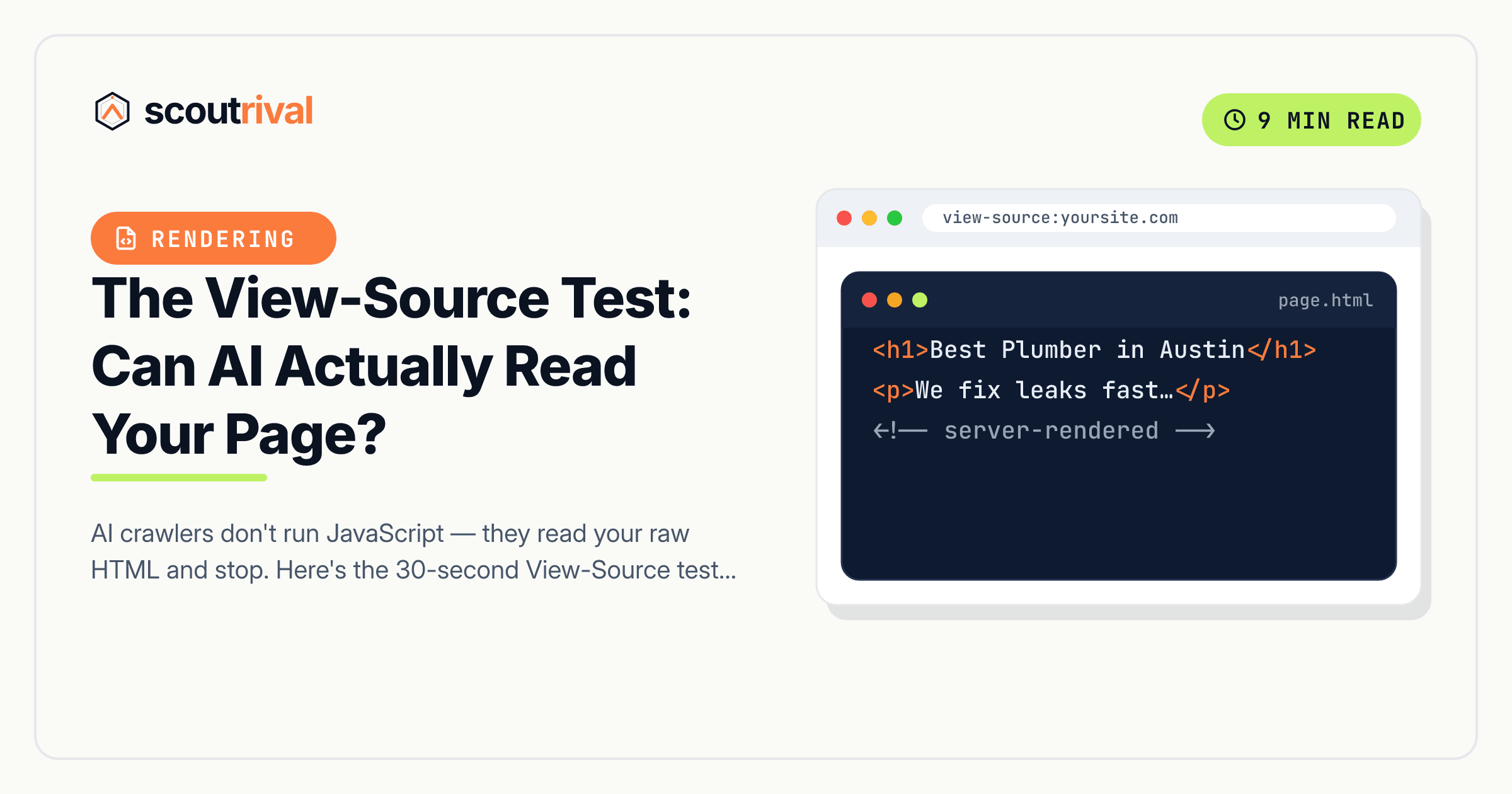
The View-Source test (30 seconds, any platform)
You don’t need a tool. You need your browser’s raw source view, which shows exactly what a non-rendering crawler receives.
- Open the page you want to check.
- Press Ctrl-U (Windows) or ⌥⌘U (Mac) to open View Source — this is the raw HTML, not the rendered DOM.
- Press Ctrl-F and search for a distinctive phrase: your H1 headline, a sentence of main body copy, a price, and one of your FAQ answers.
- Read the result:
- The text is there → AI can read it.
- The text is missing (or you only see script tags and empty
<div>s where it should be) → it’s being injected by JavaScript, and AI can’t read it.
Important: do not use “Inspect Element” / DevTools Elements panel for this test — that shows the rendered DOM after JavaScript runs, which will fool you into thinking the text is present. View Source (Ctrl-U) is the honest view.
Repeat the test on your homepage, your top service page, and one FAQ or pricing page. Those are where JS-injection bites hardest.
How to fix it
WordPress
Good news: WordPress renders content on the server by default, so writing normally usually passes. The fix is about how you place important text.
- Move failing content into standard Gutenberg blocks — Paragraph, Heading, List — or a Classic text block. Text you type into the editor body ships in the raw HTML.
- Avoid “load more” for primary content. If your services or FAQs hide behind a load-more button, split them onto real, paginated pages instead.
- Re-check tab/accordion widgets. Some inject copy only on click. Gutenberg’s native Details block usually renders its text in source — but verify with the View-Source test rather than assuming. If a third-party accordion fails, replace it with the native block or plain headings.
- Watch dynamic page-builder blocks. If an Elementor/Divi “dynamic” or “posts” widget builds your key copy client-side and fails the test, rebuild that section with static text blocks.
Webflow
Webflow ships static HTML for standard content, so most text passes the View-Source test. The exception is anything driven by custom JavaScript embeds or third-party widgets — test those, and move critical copy into native Webflow text elements.
Shopify
Product titles, descriptions, and standard theme content are server-rendered and readable. The traps are app-injected sections (review widgets, dynamic recommendation blocks, some “quick view” popups) that build content client-side. Keep your core product and collection copy in the native theme fields, and View-Source-test any app that renders text.
Wix / Squarespace
Both have historically relied heavily on client-side rendering, though their published HTML has improved. Don’t assume — run the View-Source test on your key pages. If your main headline or body copy is missing from source, put the essential message into the platform’s standard text elements and re-test.
Headless / React / Next.js / custom (developer needed)
This is where the biggest failures live. A pure client-side-rendered app ships an almost-empty HTML shell and builds everything in the browser — invisible to non-rendering crawlers.
- Enable server-side rendering (SSR) or static site generation (SSG) so the HTML arrives already containing your text. In Next.js, use server components /
getStaticProps/getServerSideProps; frameworks like Nuxt, Astro, and Remix render on the server by default. - Confirm with View Source that your H1, body, and FAQ text are in the initial HTML response.
- If a full rewrite isn’t feasible, prerendering/static export of key pages is a pragmatic middle ground.
How to confirm it’s fixed
- Run the View-Source test again — your H1, first paragraph, and FAQ answers now all appear in the raw HTML.
- The ScoutRival MR1 detector compares raw vs. rendered content; the gap that flagged the page should close (it flags roughly a 20%+ shortfall).
- Bonus check: disable JavaScript in your browser and reload the page. If the essential content still reads, you’re in good shape.
Common mistakes to avoid
- Trusting DevTools instead of View Source. The Elements panel shows the rendered DOM (post-JavaScript) and will hide this bug. Always use Ctrl-U.
- Assuming “it looks fine, so it’s fine.” Your browser runs JavaScript; the answer crawlers don’t. Looking fine proves nothing about what AI reads.
- Hiding FAQ answers in click-to-reveal widgets that fail the test. Collapsed accordions are fine only if the answer text is in the raw HTML. This ties directly to keeping your main content extractable.
- Relying on Google’s rendering as proof. Googlebot renders JS; the ChatGPT/Claude/Perplexity crawlers don’t. Passing in Google doesn’t mean you pass everywhere.
- Baking key text into an image. A JPG headline is unreadable to every crawler, rendering or not. Use real HTML text.
The bottom line
The AI crawlers you most want to win read your raw HTML and nothing else — no JavaScript, no waiting, no second chances. If your headline, prices, or FAQ answers are assembled by a widget after the page loads, they simply don’t exist as far as ChatGPT, Claude, and Perplexity are concerned. Run the 30-second View-Source test on your key pages, move any missing text into real HTML (or turn on server-side rendering), and you close one of the biggest invisible gaps in AI visibility. Pair it with a fast, clean response — see why AI bots give up on slow sites.
Not sure which of your pages fail the raw-HTML test? Run a free Site Audit with ScoutRival — we compare what a browser sees against what a non-rendering crawler sees and flag every page where they disagree.
Frequently asked questions
Do AI crawlers execute JavaScript?
What is the View-Source test?
Why can my browser see the content but AI can't?
Is WordPress content readable by AI?
How do I make a React or Next.js site AI-readable?
Does putting text in an image work for AI?
Nasir Uddin is an SEO consultant and ScoutRival's SEO & Growth Lead. He's spent years helping small businesses climb the search results — and now the AI answers too — and writes about SEO, AI-search visibility, and turning organic traffic into real growth.
Keep reading
All AI & Content →
Stop reading about it. Ship it this week.
ScoutRival turns competitor intel into ready-to-post content and graphics — for a fraction of an agency.